
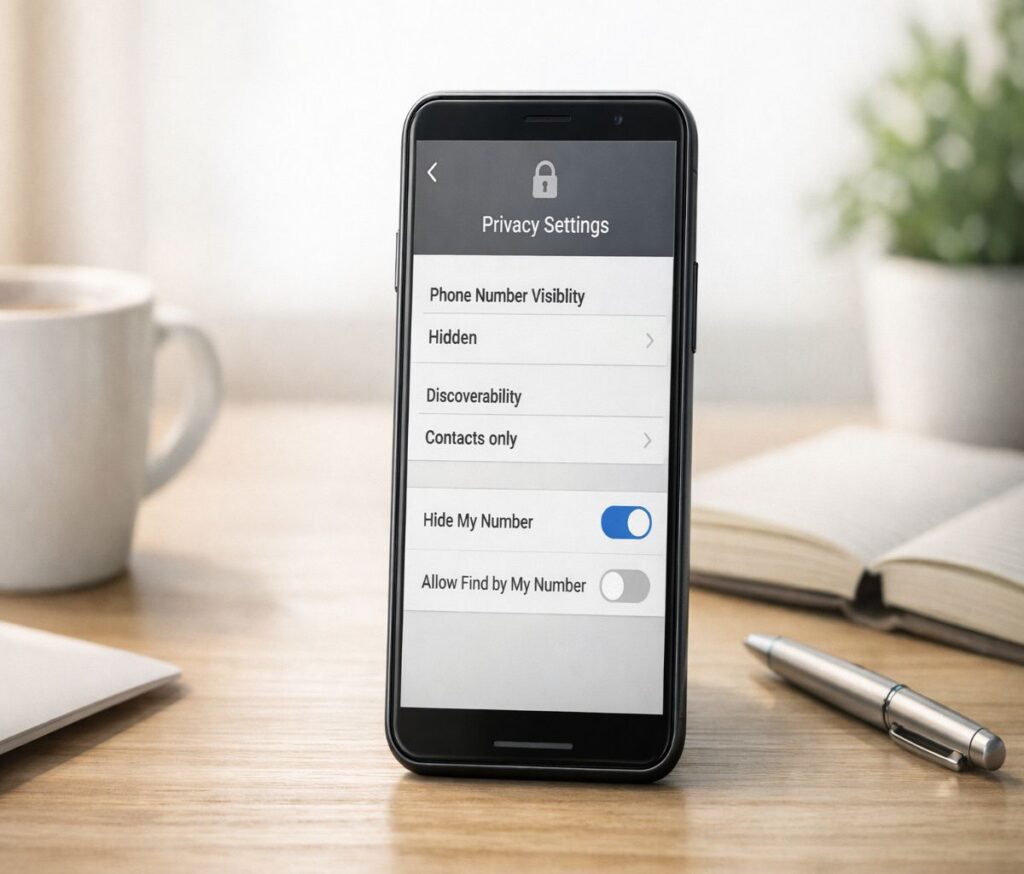
If you’ve been searching for telegram without phone number, you’re not alone. I think most people aren’t trying to “go anonymous” in a dramatic way. They just don’t want their real number floating around in group chats, client conversations, or public communities where anyone can screenshot it and move on.
Here’s the honest reality: Telegram’s sign-up flow is built around phone-number verification. You generally can’t create a Telegram account with literally no number involved. But you can use Telegram without sharing your personal number, and you can get pretty close to a “no SIM” setup if you use Telegram’s official anonymous-number approach.
This guide walks you through what’s possible, what’s risky, and what I’d do if I were setting up Telegram for privacy without making life harder than it needs to be.
What “telegram without phone number” really means
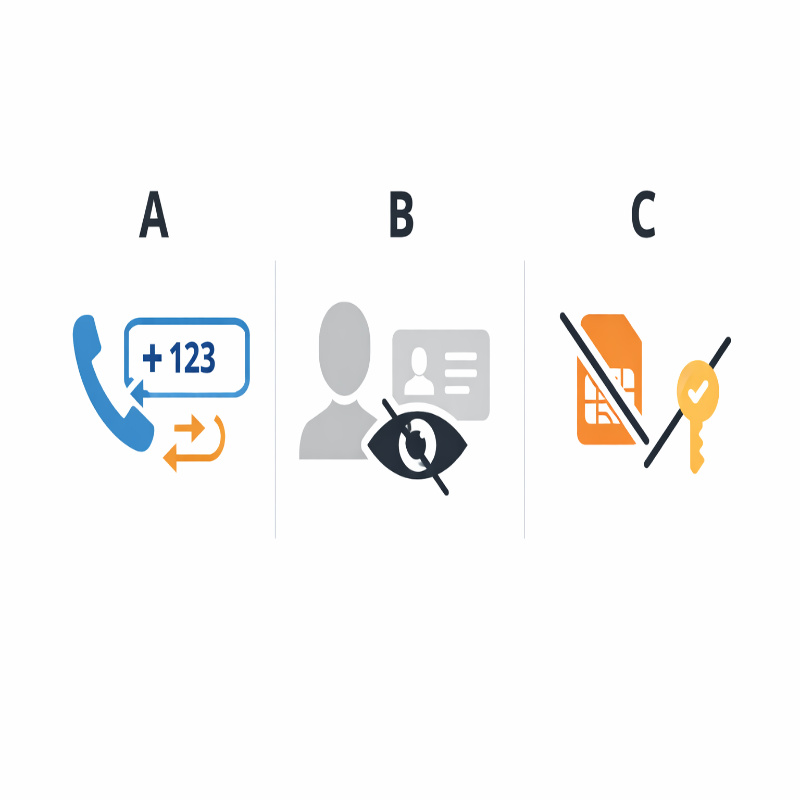
People use this phrase to mean three different things, and mixing them up is where most confusion comes from.
- Scenario A: “I want Telegram, but I don’t want to give my real number.” (Common.)
- Scenario B: “I already have Telegram, but I don’t want my number visible to strangers.” (Also common.)
- Scenario C: “I want to sign up without a SIM card.” (Possible, but it’s a specific path.)
Telegram does let you control who can see your number. And if you set it up carefully, most people you chat with will only see your name and username, not your phone number. How-To Geek’s walkthrough of the relevant privacy settings is a good external reference point for this (especially the “Nobody” setting for phone number visibility).
For the “no SIM” angle, Telegram introduced a No‑SIM sign-up method that relies on blockchain-based anonymous numbers sold via Fragment. TechCrunch covered this when Telegram announced it was auctioning phone numbers for sign-up without a SIM, and it’s still the cleanest “official” approach if you’re serious about separating your identity from your everyday number.
The best ways to use Telegram without your real number
Let’s be practical. There are a few ways people do this, and they’re not equal. Some are stable and boring (a compliment, honestly). Others work for an afternoon and then quietly wreck your account recovery later.
Option 1: No‑SIM signup via Fragment anonymous numbers
If you want the closest thing to “Telegram without a phone number,” this is it. You’re still using a number as an identifier, but you’re not using your personal SIM, and you’re not relying on a random free SMS inbox that dozens of strangers can also read.
Telegram has described the feature as “No‑SIM Signup,” and the mechanism behind it is an anonymous number purchased through Fragment. TechCrunch reported Telegram was auctioning these numbers specifically to let users sign up without any SIM card, which is exactly what many privacy-focused users have been asking for.
What this method is good for:
- Keeping your real number out of Telegram’s account identity (as much as possible).
- Avoiding the common “VoIP number blocked” problem some people run into with cheap/free verification methods.
- Building a public-facing Telegram presence (channel admin, community manager, creator) without tying it to your everyday line.
What it’s not so good for:
- Anyone who wants “free” or “quick.” This path tends to cost money and requires a bit more setup.
- Anyone who’s uncomfortable with the crypto/NFT-ish plumbing behind it. You don’t have to love it to use it, but you do have to tolerate it.
If you want the step-by-step and the tradeoffs laid out in one place, I’d publish a dedicated cluster post (and link it here naturally) like No‑SIM Telegram signup with Fragment anonymous numbers. It’s the kind of topic that deserves its own page because it changes over time and it’s easy to get lost in the details.
Option 2: A paid virtual or burner number (practical, but plan for recovery)
For most people, a paid virtual/burner number is the “good enough” solution. It keeps your personal number off your Telegram profile and gives you something you can use for verification codes without borrowing a friend’s phone or juggling SIM cards.
The big catch is recovery. If you ever lose access to that number (you stop paying, the provider shuts down, you forget the login), you can put yourself in a painful spot when Telegram asks you to re-verify. This is why I’m not a fan of free, public, temporary numbers for anything you’d be upset to lose. It’s not that they never work. It’s that they work right up until the moment you need them most.
If you’re considering this path, it’s worth having a separate, focused article like virtual numbers for Telegram: what works (and what breaks) so you can compare options without cluttering this pillar guide.
Option 3: A second SIM or extra line (simple, sometimes underrated)
This is the least glamorous option, which is exactly why it often wins. A second SIM or an extra line from a carrier tends to be more reliable for verification and long-term access than many app-based numbers.
Of course, it still creates a phone-number identity. If your goal is “I don’t want my personal number on Telegram,” this can be perfect. If your goal is “I don’t want any number tied to me at all,” then, well… it’s not that.
Option 4: Free temporary SMS numbers (last resort)
I’m going to be blunt: I wouldn’t use a free public SMS inbox for a Telegram account I cared about. These numbers are often reused, sometimes blocked, and the codes can be visible to others. Even when it works, it’s fragile.
If you’re only testing Telegram for five minutes and you truly don’t care if the account disappears later, fine. Otherwise, I’d treat this as a trap disguised as a shortcut.
Step-by-step: set up Telegram, then hide your number
This part matters even if you used a secondary number. Because the real privacy win for most people isn’t “no number exists.” It’s “my number isn’t visible, and people can’t find me through it.”
Telegram’s privacy controls for phone number visibility are straightforward once you know where to look. AirDroid also summarizes these options clearly, including the fact you can choose who sees your number and add exceptions.
telegram without phone number tip: hide your number in settings
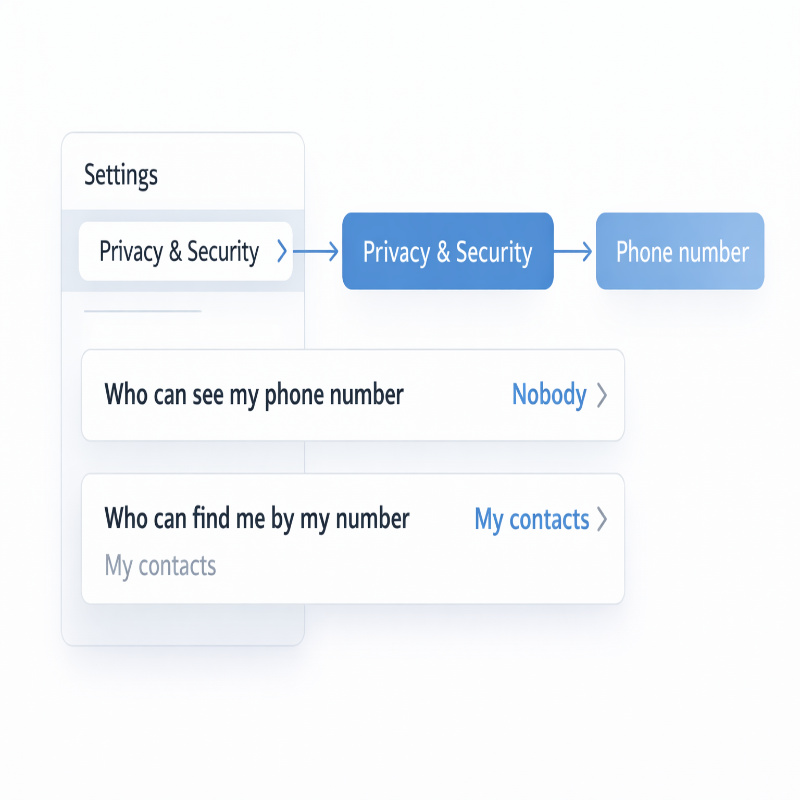
On Telegram (mobile or desktop), go to:
Settings → Privacy and Security → Phone Number
Then set:
- Who can see my phone number → Nobody
- Who can find me by my number → My Contacts (or the most restrictive option available to you)
How-To Geek notes that Telegram lets you hide your phone number, and that the phone number privacy setting is the key place to do it. And AirDroid points out you can choose between Everybody, My Contacts, or Nobody (plus exceptions), which is helpful if you need a slightly more flexible setup for work.
If you want a dedicated walkthrough with screenshots and common gotchas, link out to your cluster page mid-stream (not buried at the bottom) like this: how to hide your phone number on Telegram.
Create a username so people can reach you
If you hide your number but don’t set a username, you can accidentally make yourself hard to find. And maybe that’s the point. But for most people, it’s annoying: you want privacy, not invisibility.
So set a username in your Telegram profile. That becomes your “public handle,” the thing you can share in a bio, a business card, a website, or a group chat without handing out a phone number.
The privacy “gotchas” people trip over
This is where I see a lot of frustration. Someone hides their number and still feels exposed. Or they use a virtual number, everything works, and then months later they can’t log back in.
“My number is hidden, but people can still find me”
Usually the issue is discoverability, not visibility.
Visibility is “Can someone see my number on my profile?” Discoverability is “Can someone find my account by saving my number?” These are two separate controls. The “Who can find me by my number” setting is the one people skip, and then they’re surprised when a contact sync reveals them.
“I’m not receiving the Telegram code”
This can happen for boring reasons (carrier delays, network issues), but it can also happen because some number types are unreliable for verification. Cheap/free VoIP numbers get blocked in some cases, and public/reused numbers may already be tied to other accounts.
If you’re stuck, try these in order:
- Wait a few minutes and request the code again (don’t spam requests; rate limits are real).
- If Telegram offers an in-app call option, try that route.
- Switch to a more reliable number method (paid virtual number, extra SIM, or the Fragment anonymous number path).
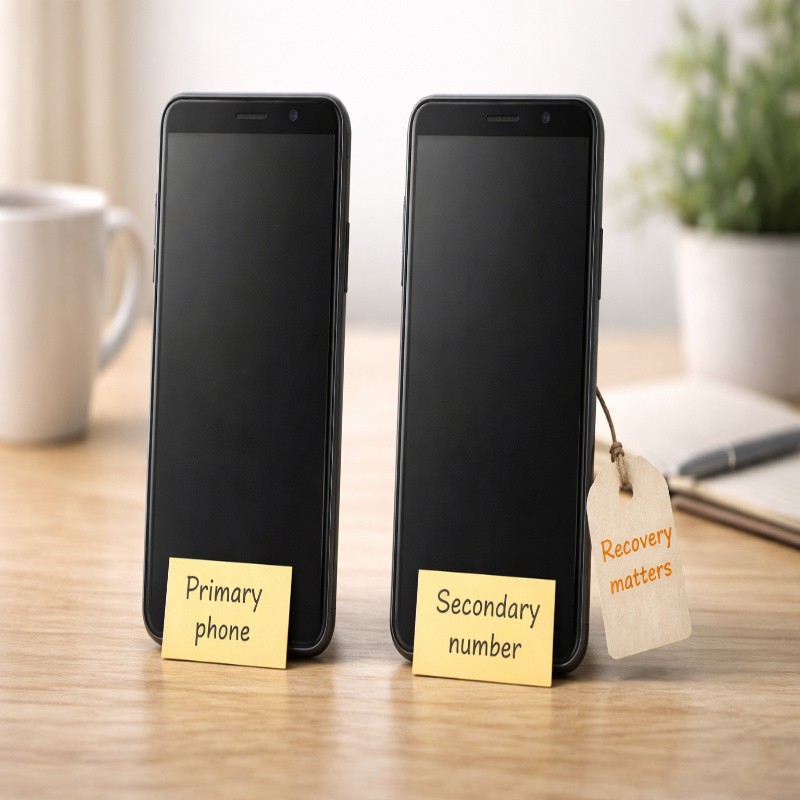
“I used a burner number… now I can’t get back in”
This is exactly why recovery planning matters. If you choose a number method you can’t reliably keep, you’re basically renting access to your own account.
If you already have the account and you still have access, consider changing the number to a more stable one before you lose it. It feels a bit tedious in the moment, but it’s much worse when you’re locked out.
Security upgrades (worth doing even if you’re not paranoid)
I’m going to contradict myself slightly: I don’t think everyone needs a full “privacy hardening” session. But I also think a few settings are so low-effort that skipping them is kind of self-sabotage.
Turn on two-step verification
Telegram supports two-step verification (an additional password) inside Privacy and Security settings. Business Insider’s guide walks through enabling it from the Telegram app settings, including adding a recovery email, which is one of those steps you’ll be grateful for later.
Think of it like this: your phone number (or anonymous number) is one key, and the extra password is a second key. It doesn’t make you invincible, but it’s a meaningful improvement.
Review a few other privacy settings
Once you’re already in Privacy and Security, it’s worth scanning the rest. You don’t have to change everything, but do a quick “Does this match how I actually use Telegram?” check.
- Who can add you to groups and channels
- Who can see your profile photo
- Who can see your last seen and online status
Small adjustments here can reduce spam and unwanted attention, especially if you join large public groups.
Which approach should you choose?
If you want the simplest “normal person” answer, it’s usually this: sign up with a number you can keep access to (second SIM, stable paid virtual number), then hide your number and use a username for sharing.
If you want the closest thing to telegram without phone number in spirit, and you’re okay with a more involved setup, look seriously at Telegram’s No‑SIM route using Fragment anonymous numbers. TechCrunch’s coverage is a useful sanity check that this isn’t a random hack—it’s an approach Telegram intentionally enabled.
And if you’re tempted by free temporary numbers, I get it. I’ve been tempted too. Just treat it like a disposable test account and assume it may not survive long-term.
FAQ: quick answers people actually need
Can I create Telegram with email instead of a phone number?
Telegram’s onboarding is still primarily based on phone-number verification. Some accounts can add an email later for things like recovery or security features, but it doesn’t replace the initial sign-up identity in the way people usually mean when they ask this question.
Will people in a Telegram group see my phone number?
In many cases, other members will see your username and profile details rather than your number, and Telegram gives you explicit controls for phone number visibility. AirDroid notes you can choose who sees your number and adjust exceptions, which is exactly what you want to review if you’re active in groups.
What’s the safest “anonymous” setup that still feels usable?
For most people: stable number method + hide number + username + two-step verification. If you want “no SIM,” then the Fragment anonymous number approach is the most official path, but it’s not the lightest setup.
Conclusion
If you came here wanting telegram without phone number, the best takeaway is a bit nuanced: you can’t usually skip number-based sign-up entirely, but you can avoid using your real number, and you can make sure your number isn’t visible or discoverable once your account is set up.
Pick the approach that matches your risk tolerance. If this is for your work identity or a public community, I’d lean toward a stable method (Fragment anonymous number or a reliable paid number) and then lock down your privacy settings so you can use Telegram comfortably without constantly second-guessing what’s exposed.



More Stories
Delete Text Messages on iPhone for Both Sides Not Working
Bluetooth Toggle Missing in Windows 10: what to do
Dyson V8 vs V11: What I’d Buy (and why)