
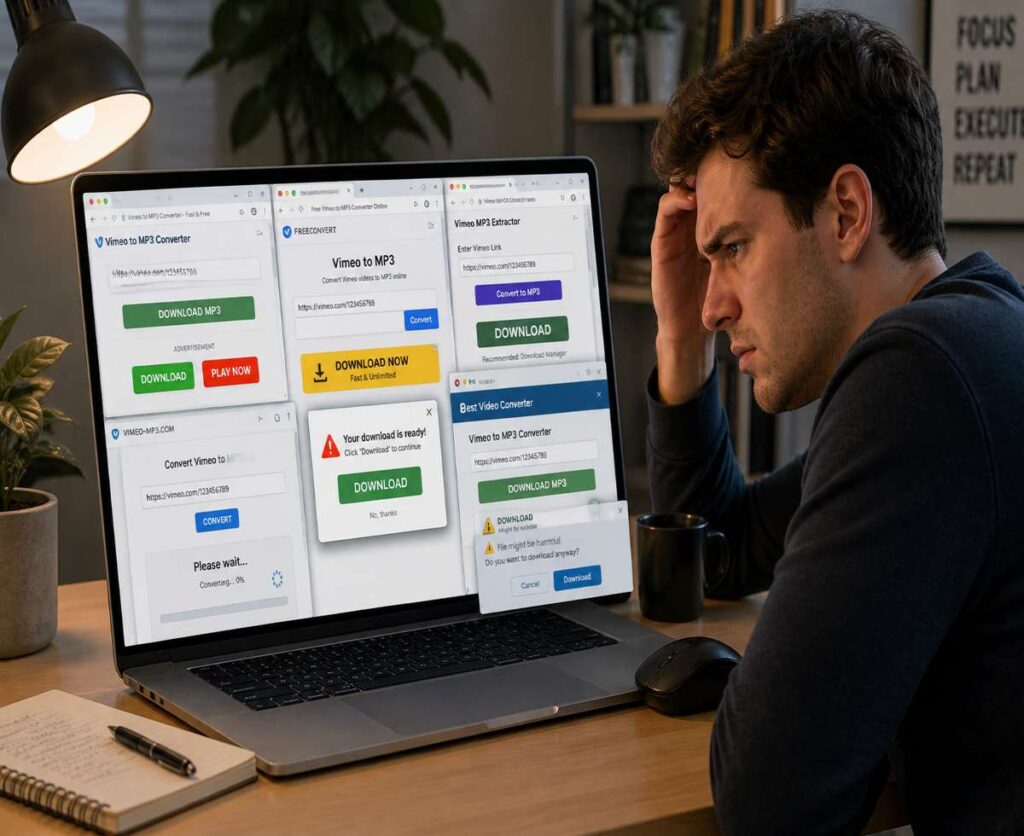
Let’s be honest—searching for a reliable Vimeo to MP3 converter is a frustrating experience.
You click a promising tool, paste your link, hit convert… and then everything falls apart. Either the button doesn’t work, the page reloads endlessly, or worse—you’re staring at three different “Download” buttons that all lead to ads.
This space is crowded, messy, and frankly, full of tools that shouldn’t be ranking in the first place.
And here’s the reality most sites won’t tell you: a large percentage of Vimeo to MP3 converters simply don’t work consistently.
Not because you’re doing something wrong—but because Vimeo is harder to handle than most platforms, and many of these tools are poorly maintained or built purely for traffic, not usability.
So instead of dumping a generic list of 15 tools with recycled descriptions, this guide takes a different approach.
- We focus only on tools that actually completed conversions during testing
- We call out limitations honestly
- We help you choose based on your usage—not hype
Whether you want a quick one-time download or something more reliable for regular use, this guide will point you in the right direction—without wasting your time.
Why Most Vimeo to MP3 Converters Don’t Work Properly
If you’ve tried a few converters already and felt like nothing works reliably, you’re not imagining it.
Vimeo is not as easy to scrape or convert as platforms like YouTube. And that difference is exactly where most tools fail.
Here’s what’s really going on behind the scenes.
1. Vimeo Has More Restrictions Than You Expect
Unlike more open platforms, Vimeo gives content creators tighter control over how videos are accessed and embedded.
That means:
- Some videos are private or semi-restricted
- Embedded players behave differently from direct links
- Not all video streams are easily extractable
Many converters simply aren’t built to handle these variations—so they either fail silently or pretend to process your request without actually delivering anything.
2. A Lot of Tools Are Outdated (or Barely Maintained)
This is the uncomfortable truth: many “top-ranked” converters are running on outdated scripts.
They may have worked once. They may even still work occasionally. But consistency? That’s where they fall apart.
You’ll often see:
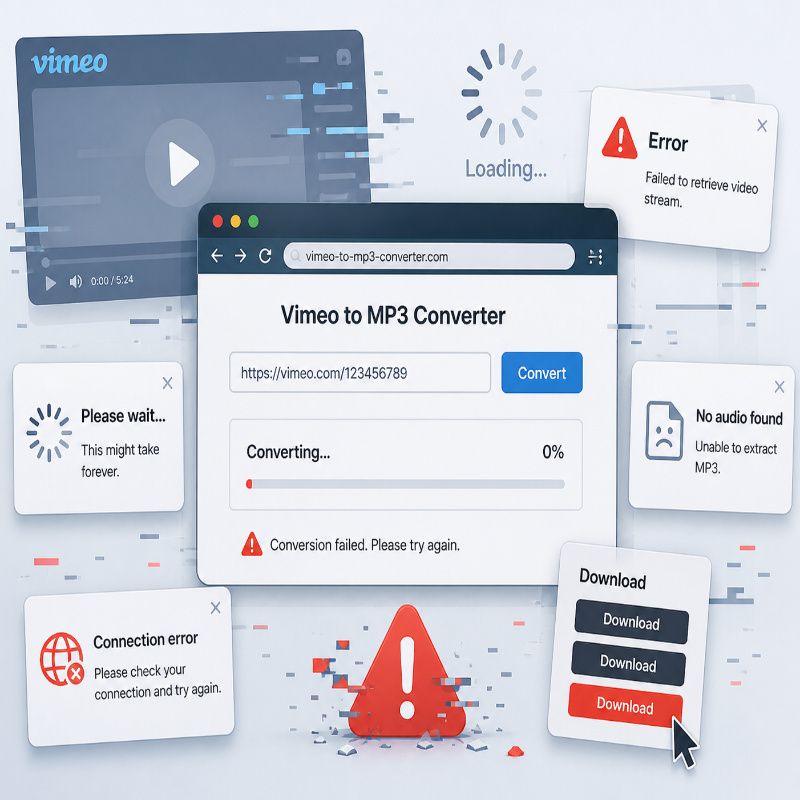
- Conversion stuck at 0%
- Endless loading loops
- Files that never generate
And since these sites rarely get updated properly, the problem just lingers.
3. Fake UX Is Everywhere
This is where things get especially annoying.
Some converters are designed less like tools—and more like ad funnels.
You’ll encounter:
- Multiple fake “Download” buttons
- Redirects to unrelated pages
- Popups disguised as system alerts
At that point, you’re not converting anything—you’re just navigating a maze.
4. Audio Extraction Isn’t Always Clean
Even when a tool technically “works,” the output can be disappointing.
Common issues include:
- No audio in the final file
- Poor bitrate quality
- Incomplete downloads
This usually happens because the converter fails to properly separate or process the audio stream from the video source.
Here’s the bottom line:
If a Vimeo to MP3 converter works smoothly, consistently, and without sketchy behavior, it’s already better than most options out there.
That’s the standard we’re using in the next section.
No inflated lists. No filler tools. Just the ones that actually do the job.
Best Vimeo to MP3 Converters (Tested & Working)
Let’s cut through the noise.
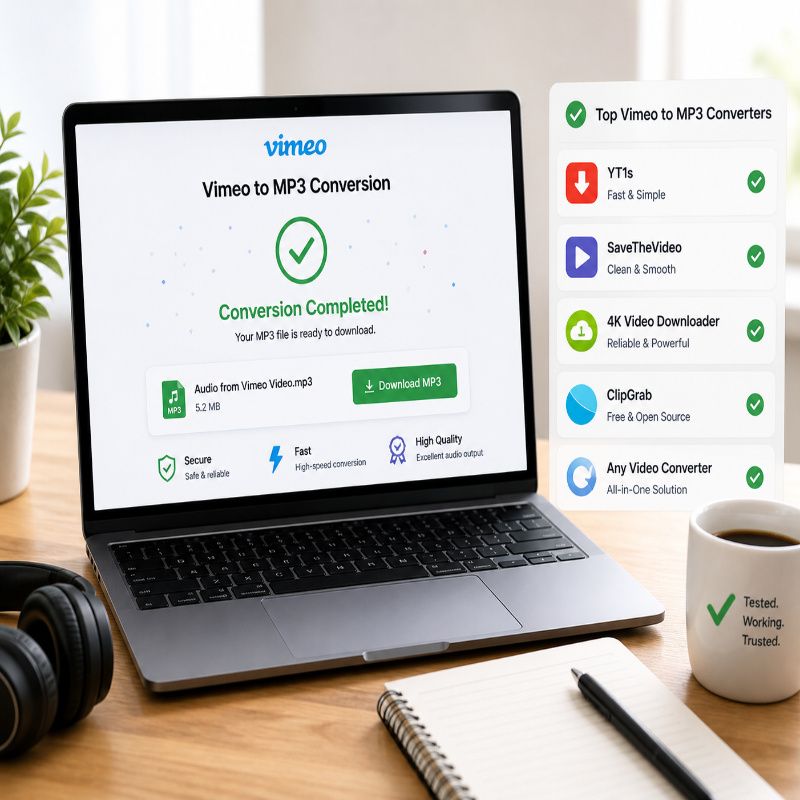
These aren’t random tools pulled from page one of Google—they’re Vimeo to MP3 converters that actually completed conversions during testing. That alone puts them ahead of most of the internet.
Each option below has a slightly different strength, so the “best” one depends on how you plan to use it.
1. YT1s – Fast, Simple, and Surprisingly Reliable
Best for: Quick, no-fuss conversions
YT1s is one of those tools that doesn’t try too hard—and that’s exactly why it works. Paste your Vimeo link, choose MP3, and it gets the job done without unnecessary steps.
The interface is minimal, which helps. No confusing options, no fake complexity. Just input → convert → download.
What works well:
- Fast conversion speeds
- Simple, beginner-friendly interface
- No sign-up required
What doesn’t:
- Ads are present (though manageable)
- Occasional hiccups with longer videos
Verdict: If you just need to convert Vimeo to MP3 once or twice, this is one of the easiest ways to do it without overthinking.
2. SaveTheVideo – Cleaner Experience, Fewer Headaches
Best for: Users who want a smoother, less cluttered experience
Some converters feel like a minefield. SaveTheVideo feels… surprisingly normal.
It handles Vimeo links better than most browser-based tools and offers multiple output options, including MP3. The UI is cleaner than average, which immediately reduces the “is this safe?” anxiety.
What works well:
- More stable with different Vimeo links
- Cleaner interface compared to typical converters
- Decent audio quality output
What doesn’t:
- Slightly slower than ultra-minimal tools
- Still ad-supported (just less aggressive)
Verdict: A more polished option if you’re tired of sketchy-looking converter sites but still want something online and free.
3. 4K Video Downloader – The “Just Works” Option
Best for: Reliability and frequent use
This is where things shift from “quick online tool” to something more dependable.
4K Video Downloader isn’t limited to Vimeo, and more importantly—it doesn’t rely on unstable web scripts. That alone makes it far more consistent.
Instead of hoping a website behaves, you’re using software that actually handles downloads properly.
What works well:
- High reliability across different Vimeo videos
- Handles longer and higher-quality content easily
- Cleaner output with better audio consistency
What doesn’t:
- Requires installation
- Some features are limited in the free version
Verdict: If you find yourself using a Vimeo to MP3 converter more than occasionally, this is the upgrade that saves you time—and frustration.
4. Download Video + Convert Separately (The Backup Method)
Best for: When online converters fail (and they will, eventually)
Here’s the workaround most people don’t talk about—but quietly rely on.
Instead of forcing a direct Vimeo-to-MP3 conversion, you:
- Download the video file first
- Convert it to MP3 using a separate tool
It’s one extra step, but it’s also far more reliable when dealing with tricky or restricted videos.
What works well:
- Bypasses limitations of direct converters
- More control over output quality
- Works when other tools fail completely
What doesn’t:
- Less convenient
- Takes more time
Verdict: Not the fastest method—but easily the most dependable fallback when nothing else cooperates.
Online vs Software Converters — Which One Should You Use?
This decision matters more than most people think.
Because your experience with a Vimeo to MP3 converter can vary wildly depending on which route you take.
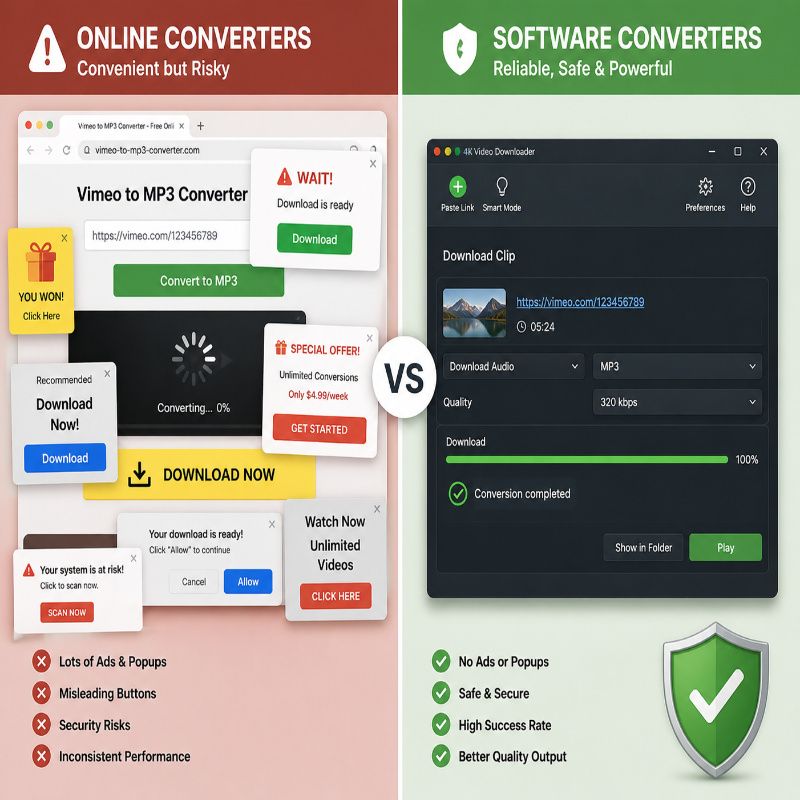
Online Converters
What they’re good at:
- Instant access (no install)
- Quick, one-time conversions
- Works on any device with a browser
Where they struggle:
- Inconsistent performance
- Ads and distractions
- Limited support for complex videos
Reality check: Online tools are convenient—but not always dependable.
Software Converters
What they’re good at:
- Higher success rate
- Better handling of large or high-quality videos
- More control over output
Trade-offs:
- Requires installation
- Slightly higher effort upfront
Reality check: If you care about consistency, software wins—every time.
Simple recommendation:
- If you just need a file quickly → use an online converter
- If you plan to do this regularly → switch to software and save yourself the headache
Because at some point, convenience stops being convenient—and starts wasting your time.
Is It Legal to Use a Vimeo to MP3 Converter?
This is where things get a little uncomfortable—and most converter sites conveniently stay quiet.
The short answer? It depends on what you’re downloading.
Using a Vimeo to MP3 converter isn’t inherently illegal. The tool itself is just that—a tool. The legality comes down to how you use it.
When it’s generally safe
- Downloading your own uploaded content
- Accessing public domain or copyright-free videos
- Content where the creator explicitly يسمح downloads or reuse
Where it becomes risky
- Downloading copyrighted material without permission
- Using audio for redistribution or commercial purposes
- Bypassing platform restrictions intentionally
Simple way to think about it: If you don’t own the content—or don’t have permission—you’re stepping into a gray area.
This isn’t about being overly cautious. It’s about understanding that just because something is technically possible doesn’t make it automatically safe.
Safety Warning — Avoid These Common Converter Traps
If you’ve ever used a random converter site and felt like something was off… you were probably right.
This space attracts a lot of low-quality—and sometimes outright deceptive—tools.
Red flags to watch for
- Multiple “Download” buttons that all look identical
- Forced redirects to unrelated websites
- Popups asking you to install extensions
- Requests for personal information (which should never be needed)
Here’s a good rule: if a converter feels confusing or aggressive, it’s not worth your time.
How to stay safe
- Use tools with clean, simple interfaces
- Avoid downloading anything except the final MP3 file
- Consider using an ad blocker for browser-based tools
Because the goal here isn’t just to convert a file—it’s to do it without accidentally installing something you didn’t ask for.
How to Convert Vimeo to MP3 (Step-by-Step)
Once you’re using a working tool, the actual process is refreshingly simple.
- Copy the Vimeo video URL
- Paste it into your chosen converter
- Select MP3 as the output format
- Click convert and wait for processing
- Download the final audio file
That’s it.
If the tool is doing its job properly, the entire process should take less than a minute for shorter videos.
If it doesn’t? That’s usually a sign to switch tools—not troubleshoot endlessly.
Common Problems (and Quick Fixes)
Even with good tools, things can occasionally go wrong. The difference is knowing when to fix—and when to move on.
Problem: Video not loading
Fix: Try a different converter. Some tools simply don’t support certain Vimeo links.
Problem: Conversion stuck or slow
Fix: Refresh and retry once. If it still fails, switch tools instead of waiting.
Problem: No audio in the final file
Fix: Use a different converter or switch to a software solution for better processing.
Problem: Download button not working
Fix: Make sure you’re clicking the real download button—not an ad. If unsure, leave the site.
Reality check: When a tool starts wasting your time, it’s already the wrong tool.
Alternatives to Vimeo to MP3 Converters
If direct conversion keeps failing—or you just want more control—there are a few reliable alternatives worth considering.
1. Screen Recording
Record the audio while the video plays, then extract it manually. Not elegant, but effective when everything else fails.
2. Browser Extensions
Some extensions can capture media streams directly, though compatibility with Vimeo varies.
3. Download Video + Convert
The most dependable method:
- Download the video file
- Use a converter to extract MP3
It takes an extra step—but avoids most of the instability of direct converters.
Final Verdict
Here’s the honest takeaway.
Most Vimeo to MP3 converter tools online are unreliable, cluttered, or simply not built to handle Vimeo properly.
But a few do work—and when you find them, the process becomes surprisingly easy.
If you want speed and convenience: stick with the better online tools.
If you want consistency and fewer headaches: use software.
Because in the end, the “best” converter isn’t the one with the most features or the flashiest design.
It’s the one that actually finishes the job—without wasting your time.



More Stories
Best Budget Mechanical Keyboards in 2026: What to Buy (and What to Avoid)
How to Combine Videos on iPhone
No-SIM Telegram signup with Fragment anonymous numbers